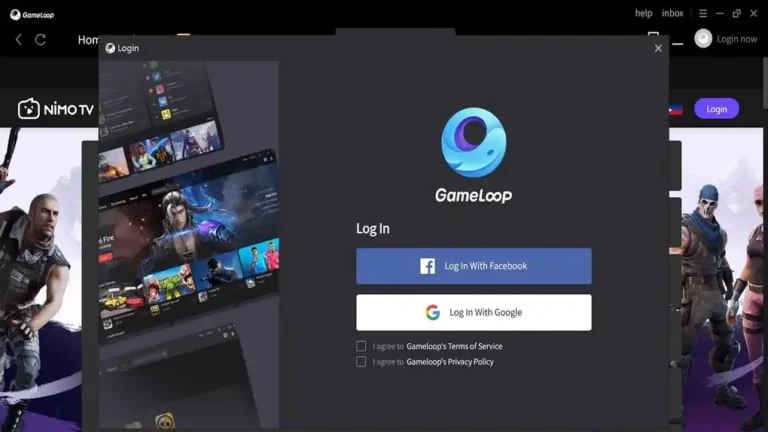
GameLoop for Windows: The Ultimate Android Emulator for Gaming Enthusiasts
Gaming has come a long way, and with the increasing popularity of mobile games, it’s no surprise that players want to experience their favorite Android titles on a bigger screen. GameLoop, formerly known as Tencent Gaming Buddy, is one of the leading Android emulators for Windows that allows you to play mobile games seamlessly on your PC. Whether you’re a competitive player or simply enjoy mobile games with enhanced controls, GameLoop delivers a smooth, immersive experience.
Key Features of GameLoop
1. Smooth Performance
GameLoop is designed to provide high-performance gameplay, even for the most demanding games. It’s optimized for popular titles like PUBG Mobile and Call of Duty Mobile, so players can enjoy the same graphics and smooth performance they would on their smartphones.
2. Customizable Controls
Customizing your control scheme is one of GameLoop’s best features when compared to touch screens. Mobile games are much easier to control. This is because you can customize the keyboard and mouse mappings. You can customize the configuration to improve your gameplay. Whether you use WASD for speed or to change mouse sensitivity.
3. HD Graphics and High FPS
GameLoop has many options to enhance performance and image quality. You can change the resolution, frame rate, and other viewing options depending on your PC’s needs. It’s ideal for those who want to enhance their mobile gaming experience with support for 60 frames per second gaming and high-definition visuals.
4. Multitasking Support
You may play numerous games at once or move between them without shutting them down thanks to GameLoop’s support for multiple game instances. Players who like to slog through many titles or enjoy multiple games in one sitting may find this feature very helpful.
5. GamePad and Controller Support
GameLoop supports external controllers and gamepads. Beyond the keyboard and mouse This allows you to play on your phone just like you would on a gaming console. This is especially useful for games that are designed to be played using a controller or where it feels better using a controller than a keyboard.
6. Game Center
The GameLoop Game Center is an integrated hub where players can browse, download, and update their favorite Android games. It’s easy to access and ensures that you always have the latest version of your games, so you never miss out on new features or bug fixes.
How to Install GameLoop on Windows
Installing GameLoop on your Windows PC is quick and simple. Here’s a step-by-step guide:
Download GameLoop: Visit the official GameLoop website and click the download button for the Windows version. The installer file will be saved to your computer.
Run the Installer: Once the download is complete, open the installer and follow the on-screen instructions to install GameLoop on your PC.
Launch GameLoop: After the installation process is finished, launch GameLoop from your desktop or Start menu.
Download Your Favorite Games: Once GameLoop is open, you can browse the Game Center to find and download your favorite Android games. Simply click on the game you want to install, and the download will start automatically.
Play and Enjoy: Once the game is installed, you can launch it directly from GameLoop and start playing right away. Customize your controls, adjust graphics settings, and get ready for an awesome gaming experience!
Is GameLoop Safe to Use?
Yes, GameLoop is completely safe to use. It is developed by Tencent, a trusted name in the gaming industry. As long as you download the emulator from the official GameLoop website or other trusted sources, you can rest assured that your PC and personal data are safe. It’s also important to keep your antivirus software up to date and avoid downloading any unofficial or cracked versions of GameLoop.