Adobe Reader DC: Features, Safety, Installation & Review
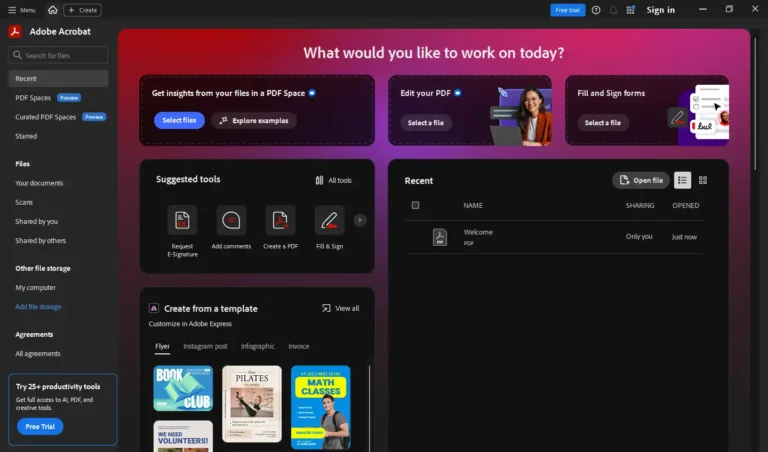
Adobe Reader DC is a free PDF reader developed by Adobe that allows users to view, print, annotate, fill forms, and digitally sign PDF documents. It is one of the most widely used PDF applications in the world and is trusted by students, professionals, offices, and educational institutions.
It focuses mainly on PDF viewing, commenting, and document security. Unlike advanced PDF editors, it does not provide full editing features in the free version, but it is more than sufficient for everyday PDF tasks such as reading documents, reviewing files, and signing forms.
Why Adobe Reader DC Is Popular
Adobe created the PDF format, which is why Adobe Reader DC offers the highest compatibility with PDF files. Almost every PDF document available online is optimized to work smoothly with Adobe Reader. Its clean interface, strong security, and frequent updates make it a reliable choice for long‑term use.
Key features of Adobe Reader DC: Your Favorite PDF App
Because of its distinctive features, ease of use, and cloud connectivity, Adobe Reader DC (Document Cloud) is the best option for working with PDFs. Whether viewing, editing on PDF documents, It helps users become more productive.
1. Better PDF Viewing
Adobe Reader DC lets you see PDFs . You can scroll and find your way around , whether you’re reading a simple text or looking over a complex contract with lots of pictures.
2. Add Notes and Remarks
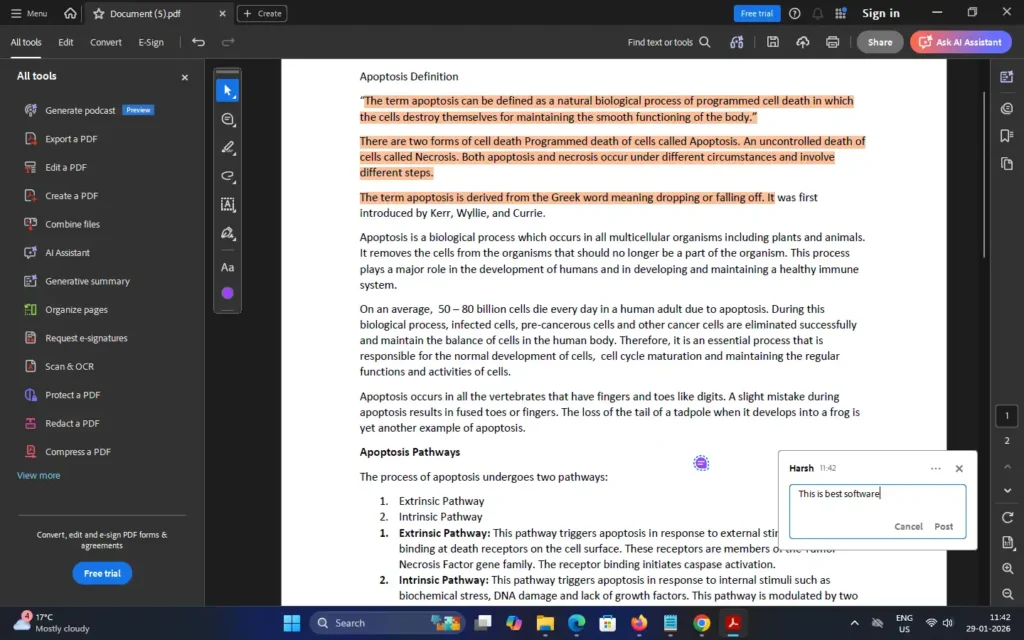
Working together on PDFs is now a breeze. The built-in tools to make notes let users highlight, underline, and add comments to documents—perfect for reviews, feedback, or personal notes. You can even draw right on the page using your mouse or a stylus.