How to Watch Netflix on Windows
You can watch Netflix on Windows through two approved methods which both meet the streaming service’s requirements for legal use.
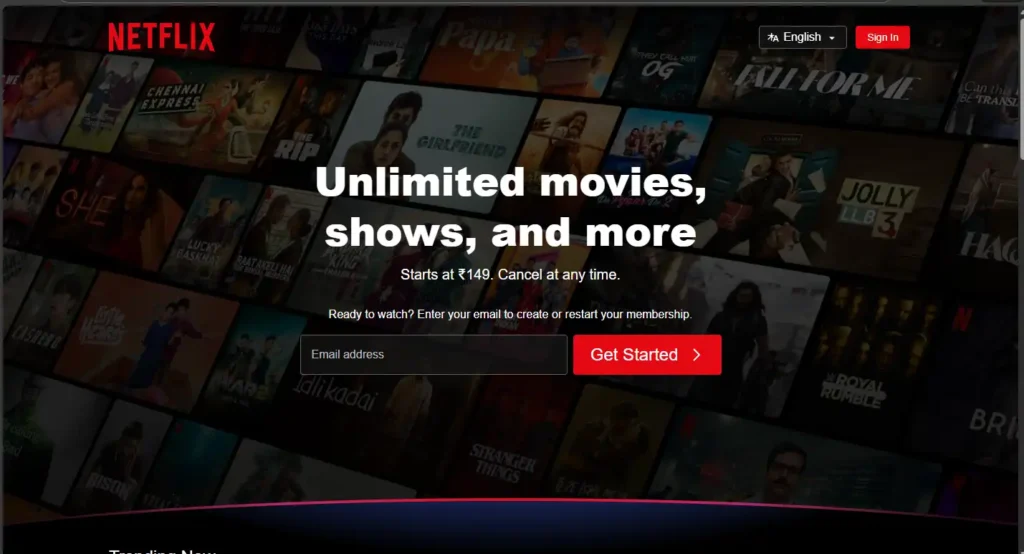
Method 1: Watch Netflix Using a Web Browser
The easiest way to watch Netflix is through a web browser which does not need any software installation.
Steps:
- Users should launch any up-to-date browser including Google Chrome and Microsoft Edge and Mozilla Firefox.
- Users should go to the official Netflix website link.
- Users should enter their registered email address together with their password to log into their account.
- The user needs to select their profile to begin watching immediately.
The method supports all Windows systems but works best for users who want to avoid software installation.
Method 2: Install the Netflix App from Microsoft Store
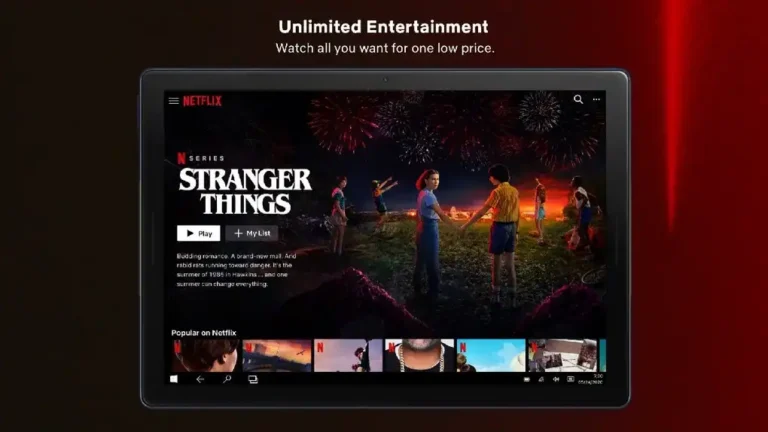
The official Netflix application delivers an experience that resembles a native application while providing users with the capability to watch shows offline.
Steps:
Open Microsoft Store
- Select the Start menu option which exists on their Windows PC.
- Search for Microsoft Store and select the application to launch it.
- Use the Microsoft Store search bar to look for Netflix official app.
Download and Install
- Click the Get button to download Netflix app.
- After completing. download process start installation.
Sign In and Start Watching
- Users should launch the Netflix application from their Start menu.
- Users need to log in by entering their Netflix account information.
- Users should select a profile to start watching their content.
Is Netflix Safe and Legal to Use?
Yes, Netflix is completely safe and legal when access content from its official platforms. It dosen’t need to install any third-party applications or browser add-ons or download any files. Users who access unauthorized streaming services not only violate Netflix’s terms of service but also expose their devices to possible security risks.
Tips for Better Streaming Netflix on Windows
- Wired connections will provide users with more stable video playback experience.
- Keep your browser and application software updated at the latest version for optimal performance.
- Terminate all programs that run in the background except for those which you need.
- Headphones and external speakers provide users with superior audio experience than built-in speakers.
The viewing experience will become better through these minor changes which users can implement.
Frequently Asked Questions (FAQs)
Q. Can I watch Netflix offline on Windows?
Ans. Yes, the Netflix app can be downloaded from the Microsoft Store to watch offline on the Windows system.
Q. Does Netflix support subtitles and multiple languages?
Ans. Yes, of course. Netflix supports subtitles and also multiple language options for its content.
Q. Can I use one Netflix account on multiple devices?
Ans. Yes, Netflix allows a multiple devices to work with one account, depending on the subscription plan purchased.
Conclusion
Netflix streaming on Windows machines delivers a secure and simple user experience through its platform which users can access for watching Netflix content. The dedicated application of Netflix streaming service enables users to watch content through web browsers while offering seamless playback and advanced functions together with personalized content suggestions.
Windows PC users can access unlimited entertainment through official methods while their active subscription status protects them from legal and security risks.