7 Powerful Reasons to Use Free Download Manager for Windows 11 (2026 Guide)
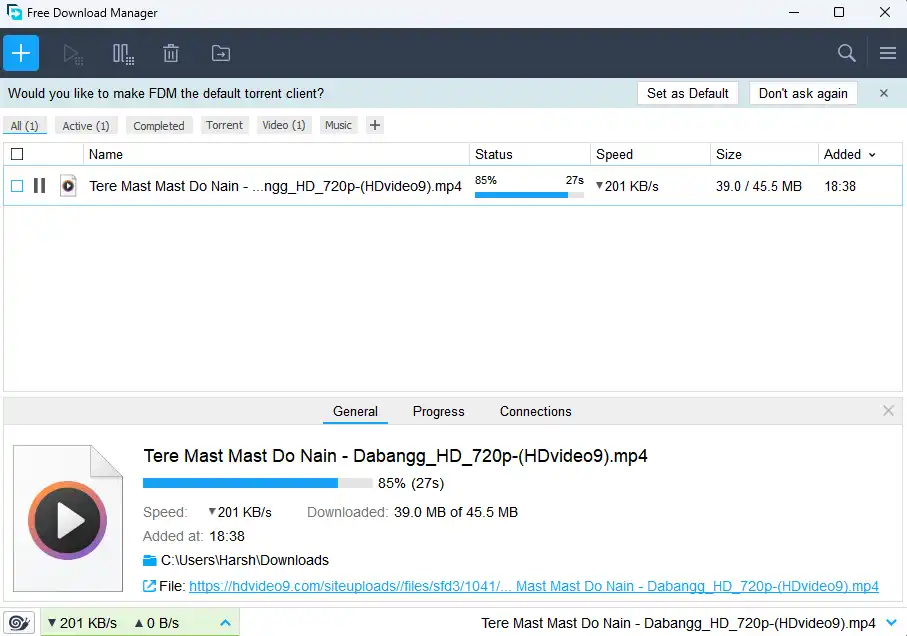
Free Download Manager (FDM) is one such application that perfectly fits in here: it is a lightweight tool that quickly boosts your download speeds, manages multiple downloads, and even lets you support some torrent files.
Whenever you want to download large files on your PC quite often, you will know how slow or unstable browser downloads can be. This is where Free Download Manager (FDM) comes in — a powerful and completely free external download tool. If you’re using Windows 11 and facing slow downloads, you may also want to read our complete guide on upgrading to Windows 11 for better performance.
This guide will give you an in-depth understanding of the features and benefits, pros and cons, system requirements, and how you can best utilize Free Download Manager for Windows.
What is Free Download Manager?
This download manager improves overall downloading performance, resumes interrupted downloads, and speeds up file downloads. It can handle all protocols-HyperText Transfer Protocol (HTTP), HyperText Transfer Protocol Secure (HTTPS), File Transfer Protocol (FTP), and BitTorrent-and integrates flawlessly with all popular browsers-Chrome, Edge, Firefox, and Opera.
Owing to its simpler interface yet ready with advanced features, FDM has vast popularity among Windows users and is used to download large files, videos, software, and torrents.
Key Features of Free Download Manager For Windows
1. Faster Download Speeds
FDM uses multi-threaded technology to boost your download speed. Files are broken into segments and downloaded in parallel.
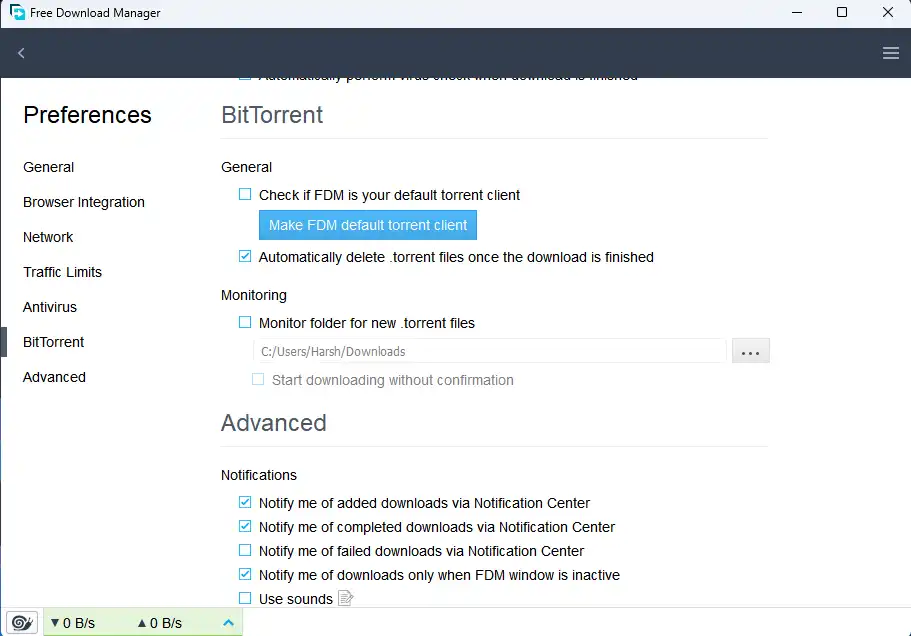
2. Supports Torrents
No need for a separate torrent app. FDM supports .torrent files and magnet links.
3. Resume Broken Downloads
Lost the internet connection? Interrupt the download for a moment? With FDM, you can pause, resume, or schedule your downloads so nothing will ever be lost.
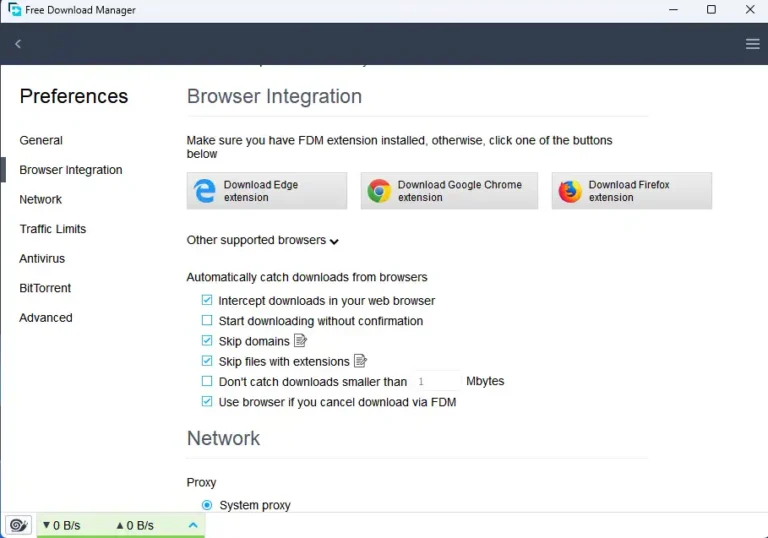
4. The Browser Integration
Compatible with:
- Google Chrome
- Mozilla Firefox
- Microsoft Edge
- Opera
Simply access the download link, and FDM will grab it immediately.
5. Managing Your Downloads
Build categories like:
- Software
- Videos
- Games
- Documents
Bandwidth limits can also be set so that your downloads won’t affect web browsing speed.